RAW and JPEG development
Adjust exposure, contrast, highlights, shadows, white balance, curves, color mix and detail.
Develop RAW and JPEG photos on iPhone and iPad. Refine light and color, try a film-inspired look, then review every image before a batch export. Edits save as new photos, so your originals stay untouched.
Real screens from the app
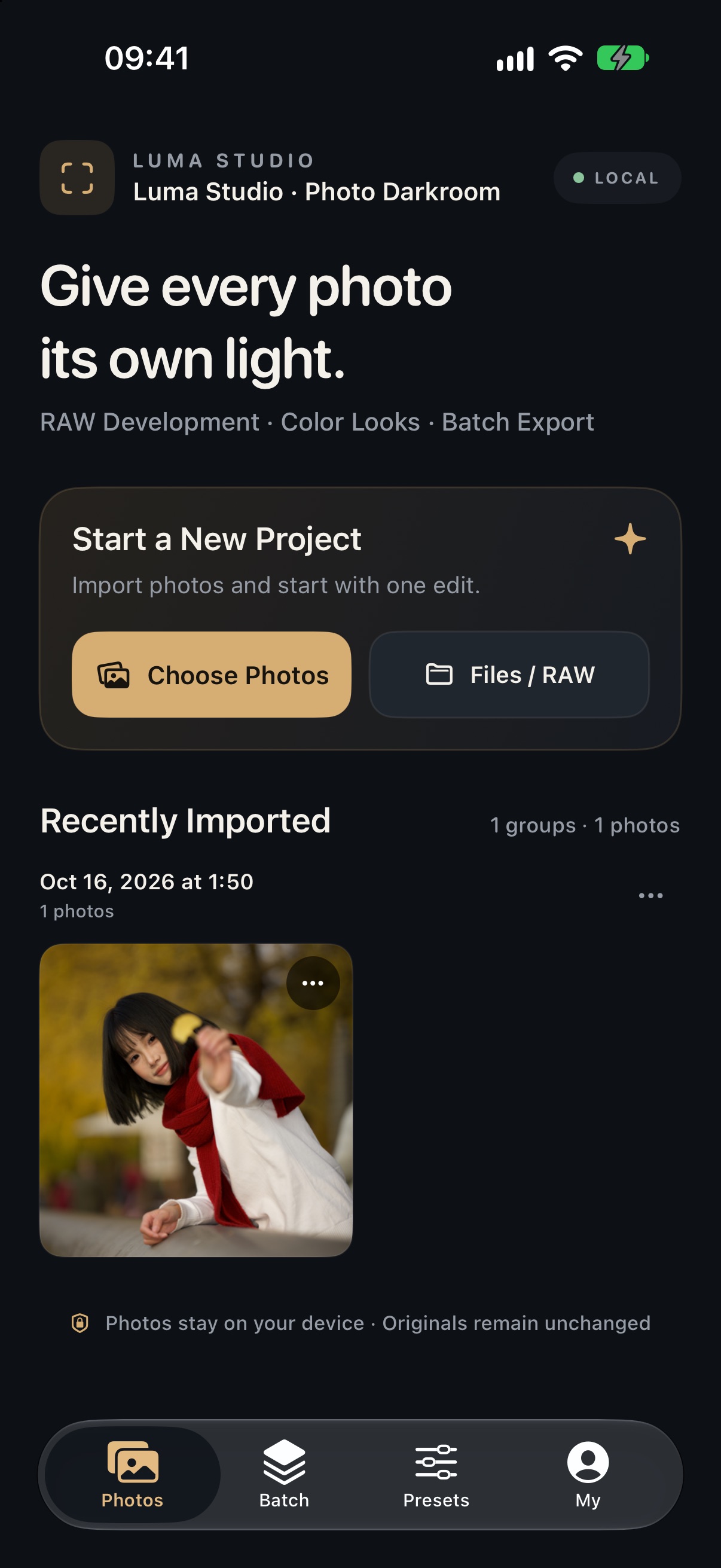
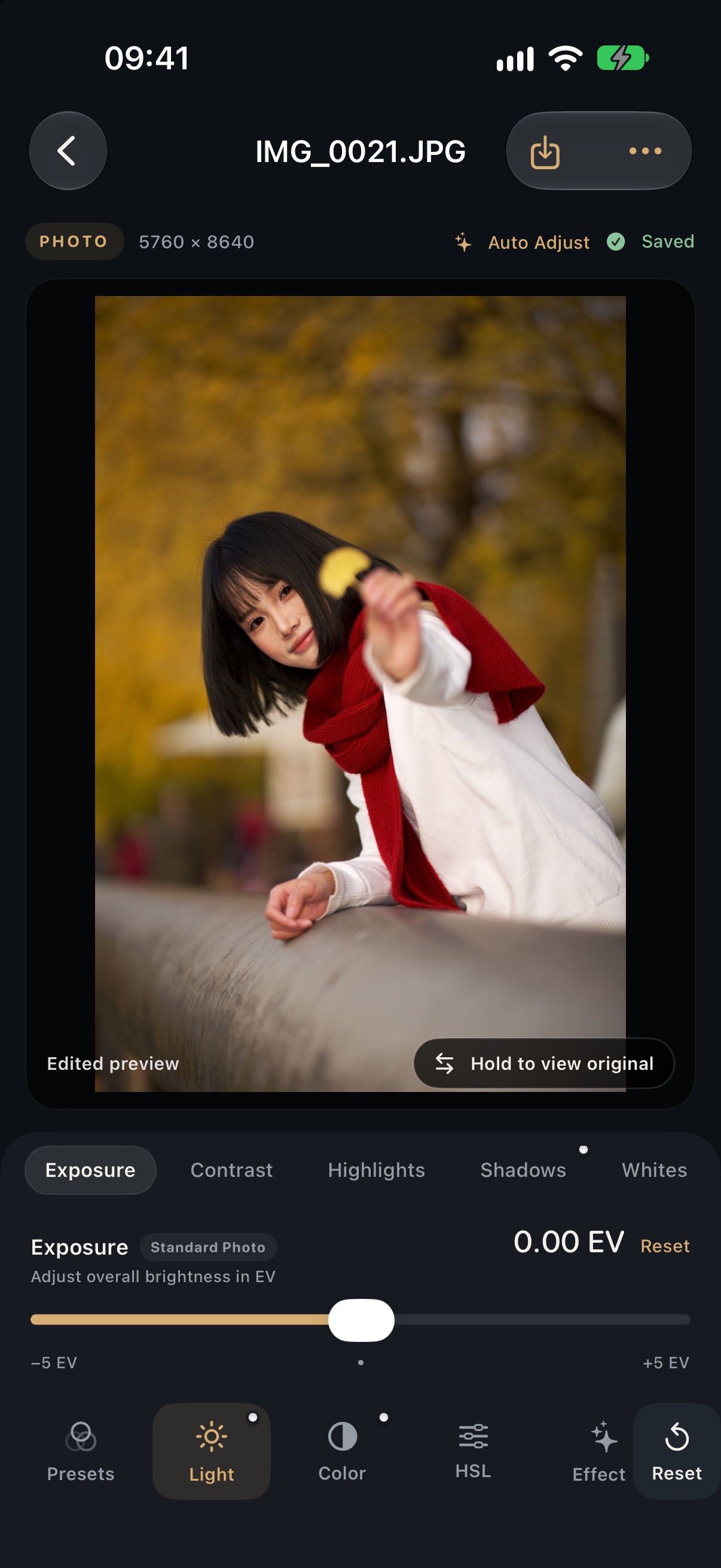
Focused tools for a thoughtful photo workflow.
Adjust exposure, contrast, highlights, shadows, white balance, curves, color mix and detail.
Preview different color styles, then switch looks as you refine an image.
Create a subject mask with person detection and edit the subject or background separately. Results vary by photo.
Apply a look to a group, inspect each result, skip individual images, and export the rest as new photos.